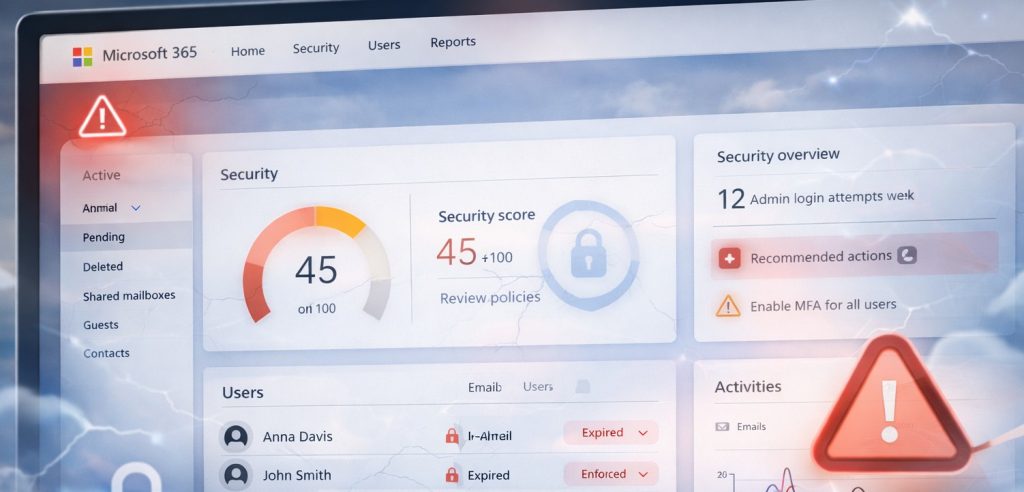
Many small businesses adopt Microsoft 365 because it feels accessible and straightforward. Email can be set up quickly, files are easy to share, and collaboration tools are available almost immediately. In the early stages, managing Microsoft 365 internally often feels like a sensible and cost effective decision.
For small teams with limited users and simple requirements, this approach can work for a while. Problems are infrequent, and when they do occur, they can usually be resolved with a quick search or trial and error. This early success reinforces the idea that Microsoft 365 does not require specialist management.
As reliance on the platform grows, however, hidden risks begin to emerge. These risks rarely cause immediate failure. Instead, they build quietly over time through small configuration gaps, inconsistent processes, and limited visibility. Eventually, they surface as security incidents, data loss, or prolonged downtime.
Understanding the hidden risks of DIY Microsoft 365 management helps small businesses recognise when informal approaches are no longer sufficient and when additional structure becomes necessary.
Why DIY Microsoft 365 Management Feels So Appealing
DIY management appeals because it removes barriers. Licences can be purchased online, users can be added in minutes, and Microsoft manages the underlying infrastructure. There is no need to coordinate with external providers or wait for support.
For many business owners, this independence feels empowering. Issues can be handled internally, and there is a sense of control over the environment.
Cost is another factor. Without a visible monthly service fee, internal management appears cheaper. Subscription costs are clear, while the time and risk involved in self-management are often overlooked.
These assumptions are understandable, but they are also the source of many problems that emerge later.
Overreliance on Default Settings
One of the most significant risks in DIY Microsoft 365 management is reliance on default settings. Microsoft designs default configurations to suit a wide range of organisations, prioritising usability and accessibility.
While these defaults provide a basic level of protection, they are not tailored to the specific risks or operating environment of an individual business. Important controls such as conditional access, advanced phishing protection, and detailed alerting may be disabled or partially configured.
Attackers are well aware of this. Phishing campaigns and credential theft frequently target environments that rely on default settings. This makes overreliance on defaults one of the most common weaknesses in microsoft 365 security for small business environments.
Identity and Access Management Risks
User identities are the primary gateway to Microsoft 365. When credentials are compromised, attackers can gain access to email, files, and collaboration tools with minimal resistance.
In DIY environments, identity management is often basic. Password policies may be weak, multi-factor authentication may not be enforced consistently, and access reviews may not occur.
As teams grow, these issues compound. Former employees may retain access, permissions may expand beyond what is required, and accountability becomes unclear. These access risks are frequently addressed by microsoft 365 support for small business providers after an incident has already occurred.
Email Security Blind Spots
Email remains one of the most common attack vectors for small businesses. Default email protection provides a baseline level of filtering, but it may not stop more targeted or sophisticated attacks.
Business email compromise, invoice fraud, and phishing attacks often succeed because security settings are not tuned or monitored. DIY management rarely includes regular review of email security policies or threat reports.
Over time, this lack of attention increases the likelihood of a successful attack and the associated financial and reputational damage.
Backup and Data Recovery Misconceptions
Another hidden risk lies in assumptions about data protection. Many businesses believe Microsoft automatically backs up all data in a way that allows full recovery from any scenario.
In reality, Microsoft focuses on service availability rather than comprehensive backup. Accidental deletion, malicious activity, or sync errors can still result in permanent data loss if no independent backup exists.
DIY environments often lack proper microsoft 365 backup nz solutions. When data loss occurs, businesses discover too late that recovery options are limited or time restricted.
Inconsistent User and Device Management
As businesses grow, managing users and devices becomes more complex. DIY approaches often rely on informal processes and memory rather than documented standards.
New users may be set up differently depending on who handles onboarding. Devices may not be secured consistently. Departing staff may not be removed promptly.
These inconsistencies create security gaps and operational friction. They also make troubleshooting more difficult and time consuming.
Limited Monitoring and Visibility
Microsoft 365 provides logs and alerts, but they only deliver value if someone actively reviews them. In DIY environments, monitoring is often reactive or ignored altogether.
Suspicious activity may go unnoticed for days or weeks. Small issues escalate because no one is watching for early warning signs.
This lack of visibility is one of the most underestimated risks in self-managed Microsoft 365 environments.
The Productivity Cost of DIY Errors
DIY management errors do not only affect security. They also impact productivity and staff experience.
Misconfigured sharing settings, permission issues, and poorly structured Teams environments slow staff down. Users spend time searching for files or requesting access instead of doing productive work.
Over time, frustration grows and confidence in systems declines. Staff may adopt unsafe workarounds to get their work done, increasing risk further.
Why These Risks Often Remain Hidden
These risks often remain hidden because systems appear to work on the surface. Email sends and receives. Files open. Meetings run.
Problems only become visible when something goes wrong. By the time issues surface, remediation is often urgent, disruptive, and expensive.
This delayed visibility is why many businesses underestimate the true risk of DIY management.
Growth as the Breaking Point
DIY Microsoft 365 management usually breaks down during periods of growth. More users, more devices, and higher security expectations increase complexity.
At this stage, the informal practices that once worked begin to fail. Keeping up with changes, updates, and best practices becomes increasingly difficult.
Recognising this tipping point early allows businesses to act before a serious incident occurs.
The Role of Structured Management
Structured management introduces consistency, accountability, and proactive oversight. It replaces assumptions with documented processes and regular review.
This approach is central to microsoft 365 management services designed for growing organisations. It ensures security settings remain aligned with current threats and business needs.
Structured management also reduces reliance on individual staff members and improves resilience.
Long-Term Risk and Cost Considerations
The true cost of DIY management is rarely visible in the short term. Over time, however, security incidents, downtime, and data loss carry significant financial and reputational costs.
Indirect costs such as lost productivity, customer trust, and management time often outweigh the perceived savings of self-management.
Understanding these long-term costs helps businesses reassess whether DIY management still delivers value.
Making an Informed Decision
Choosing how Microsoft 365 is managed is a strategic decision. It should be based on risk tolerance, available expertise, and business priorities rather than convenience alone.
For some very small businesses, DIY management may still be appropriate. For many others, the hidden risks become too great as reliance on the platform increases.
Clarity around these trade-offs supports better decision making.
Final Thoughts
DIY Microsoft 365 management carries hidden risks that are easy to overlook. Overreliance on defaults, weak identity controls, limited monitoring, and backup gaps all increase exposure over time. Understanding these risks allows small businesses to make informed decisions about how Microsoft 365 should be managed as they grow.
For organisations unsure whether their current approach is exposing unnecessary risk, reviewing how Microsoft 365 is managed in practice can be a valuable first step.